Help

The Tobacco Control Data Repository was mainly developed for desktop use. The screens may look different on mobile devices.

Using links: Underlined text in the Tobacco Control Data Repository indicates a clickable link either to another page or to a document. Make sure pop-up blockers in your browser are disabled to use this feature.

How do I navigate the Tobacco Control Data Repository?

The Tobacco Control Data Repository contains a collection of graphs and maps that illustrate key findings from various data sources collected by different agencies. The graphs and maps are interactive, allowing you to select subsets of the data (filters), and to change aspects of the graphs and maps.

Mega menu navigation

To help you find the information you are most interested in, there are five different ways to explore these data:

  • by featured 1
  • by data sources 2
  • by years available 3
  • by tags 4
  • view directory 5

Explore by data sources

Mega menu navigation

  • From the Explore data drop-down menu at the top of the page, select By data sources 2
  • On the data sources page you can directly access the data sources 6 . Click on a data source box to go to the respective Data source page.

Data source navigation

  • On the Data source page, click on the indicator you are interested in to go to the respective page 7 .
  • You can also navigate between data sources, years or tags using the drop-down menus at the right of the page 8 .

Data source page

  • On the Indicator page you can navigate between indicators using the list at the bottom of the page. Click on the name of the indicator to go to that chart/map 9 .

Data source page

Explore by year

Mega menu navigation

  • From the Explore data drop-down menu at the top of the page, select By years available 3

Mega menu navigation

  • On the Indicator directory page click on the year(s) you are interested in 10 . The indicators that include data from the selected year(s) will be listed below 12 .

Click Clear all to remove the filter(s) 11 .

Explore by tags

Mega menu navigation

From the Explore data drop-down menu at the top of the page, select By tags 4 .

Mega menu navigation

On the Indicator directory page click on the tag(s) you are interested in 13 . The indicators that include data related to the tag(s) will be listed below.

Click Clear all to remove the tag(s) 11 .

How do I view a list of all indicators?

Mega menu navigation

From the Explore data drop-down menu on the Home page, select View directory 5 .

Mega menu navigation

You can see a list of all available indicators 14 . The indicator list displays the indicator number, thumbnail, name of the indicator, data source, years, and tags.

Click on the name of the indicator to go to that chart/map 15 .

You can filter the indicators by data sources, years available, and tags 12 .

Click Clear all to remove the tag(s) 11 .

How do I access data source and indicator information?

Mega menu navigation

From the Explore data drop-down menu at the top of the page, select By data sources 2

Data source navigation

On the Explore data sources page you can directly access the data sources. Click on a data source box to go to the respective Data source page 6 .

Data source page

On the Data source page you may find information on the data source (name and organisation), number of indicators available, population, when the data were last updated, available filter variables/breakdowns, and definitions 13 .

You can also access other information using the links provided 14 .

How do I change the look or content of the charts?

Chart controls and filters

On the Indicator page, use the chart and filter controls to change what data are shown in the chart, and how the data are displayed 15 . The chart and filter controls will differ depending on the indicator.

Where available, you can select:

  • the chart type – bar chart or timeseries chart
  • the x-axis variable – response or category
  • to show or hide the confidence interval (95%)
  • the response option
  • the category (e.g. total, gender, age group, ethnicity)
  • the year
  • Likert scale options – full or aggregated.

You can view a table of the exact data points by clicking the Show Table button 19 . Click the button again to Show Graph.

You can copy a link to the customised chart by clicking the Share or Embed buttons 20 .

You can download the customised chart as a .png file by clicking the Download button 20 .

By clicking on an item in the legend 17 a subgroup or feature can be hidden or shown in the chart.

How can I access exact values for the data points in the charts?

Chart controls and filters

On the Indicator page, hover over the data point(s) or bar(s) in the charts to see the exact values 18 .

You can view a table of the exact data points by clicking the Show Table button 19 .

How can I access exact values for the data points on the maps?

GIS map

On the Indicator page, click on the geographical area you are interested in and a table and chart with exact data values will appear on the left of the screen 21 .

On the chart, you can toggle the New Zealand data on/off by clicking the data label 22 .

You can change the year or geographical area shown on the map by clicking on an item in the legend(s) 23 .

How do I change the geographical areas displayed in the maps?

GIS map

On the Indicator page, click on an item in the legend to change the geographical areas shown on the map 23 .

Zoom in or out using the Zoom buttons 24 .

Copy a link to the customized map by clicking on the Share or Embed buttons 25 .

To view the map in full screen mode, click the Fullscreen button 25 . To leave full screen mode, click the back button on your browser.

To save an image the map use the snipping-tool application.

What data downloads are available?

Chart download

Full datasets cannot be downloaded from the Tobacco Control Data Repository. See the original data source for details on data access.

You can download table data in .csv format from the download dropdown 26 .

You can download chart images in .png format from the download dropdown 26 .

Youth Insights Survey

2018
National
× 19

The Youth Insights Survey (YIS) is a nationally representative school-based survey of Year 10 students (predominantly 14 and 15 year olds). The YIS collects in-depth information on tobacco-related knowledge, attitudes and behaviour, as well as a wide range of information on youth culture and lifestyles. It monitors the broad spectrum of risk and protective factors that relate to smoking uptake among young people. The YIS is conducted every two years with around 3,000 Year 10 students, and forms part of the New Zealand Youth Tobacco Monitor, a collaborative effort by Health New Zealand and Action on Smoking and Health (ASH). The data presented in this website have been adjusted (weighted) to ensure they are representative of the New Zealand Year 10 student population.

Available filter variables:

Ethnicity, gender, parental smoking, smoking status, school decile status, susceptibility to smoking

Definitions:

  • Ethnicity: Māori; non-Māori: Multiple responses from list, coded, and categorised as to whether respondent was identified Māori

  • School decile (Low; Mid; High): School decile used as a measure of each student’s socioeconomic status. Decile 1 to 10 provided by the Ministry of Education for participating schools reclassified as 1 to 4 (low), 5 to 7 (mid), and 8 to 10 (high).

  • Never smoker: Answered ‘no’ when asked if they had ever smoked.

  • Current smoker: Smoked at least once a day, once a week or once a month when asked how often they smoked.

  • Susceptibility to smoking: Non-susceptible never smoker - Answered ‘definitely not’ to both questions below. Susceptible never smoker - Answered anything except ‘definitely not’ to both questions.
    Determined by answers to the following questions: “If one of your best friends offered you a cigarette, would you smoke it?” “At any time during the next year (12 months) do you think you will smoke a cigarette?“*

Other information:

The base population for each graph, unless noted otherwise, is all Year 10 students.
Specific analysis, such as short fact sheets, can be accessed here.
For more information on the Youth Insights Survey and the wider NZYTM, please click here.

Indicators

A list of all the available indicators for this data source
View:
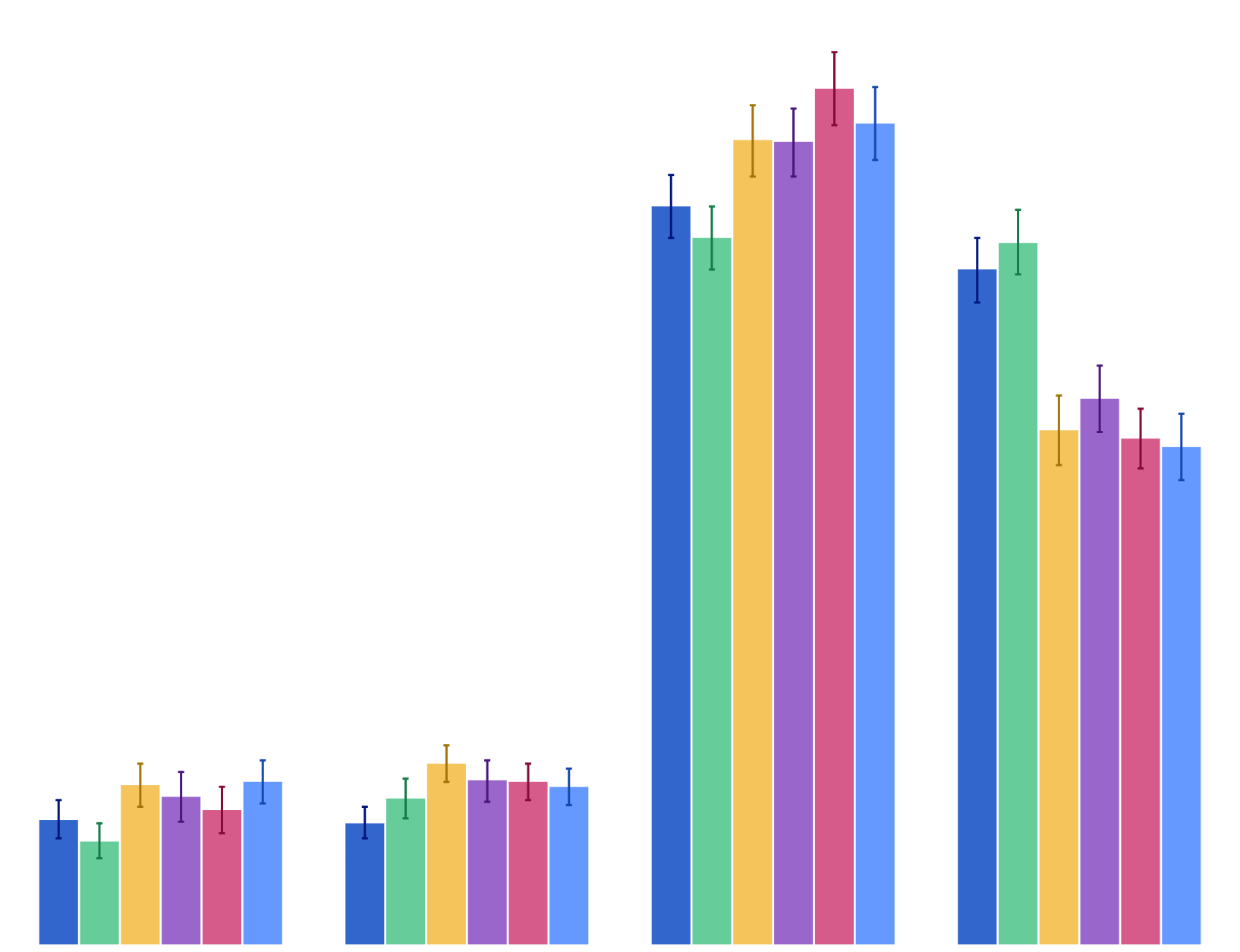
Early uptake of cigarette smoking (first tried a cigarette before age 10)
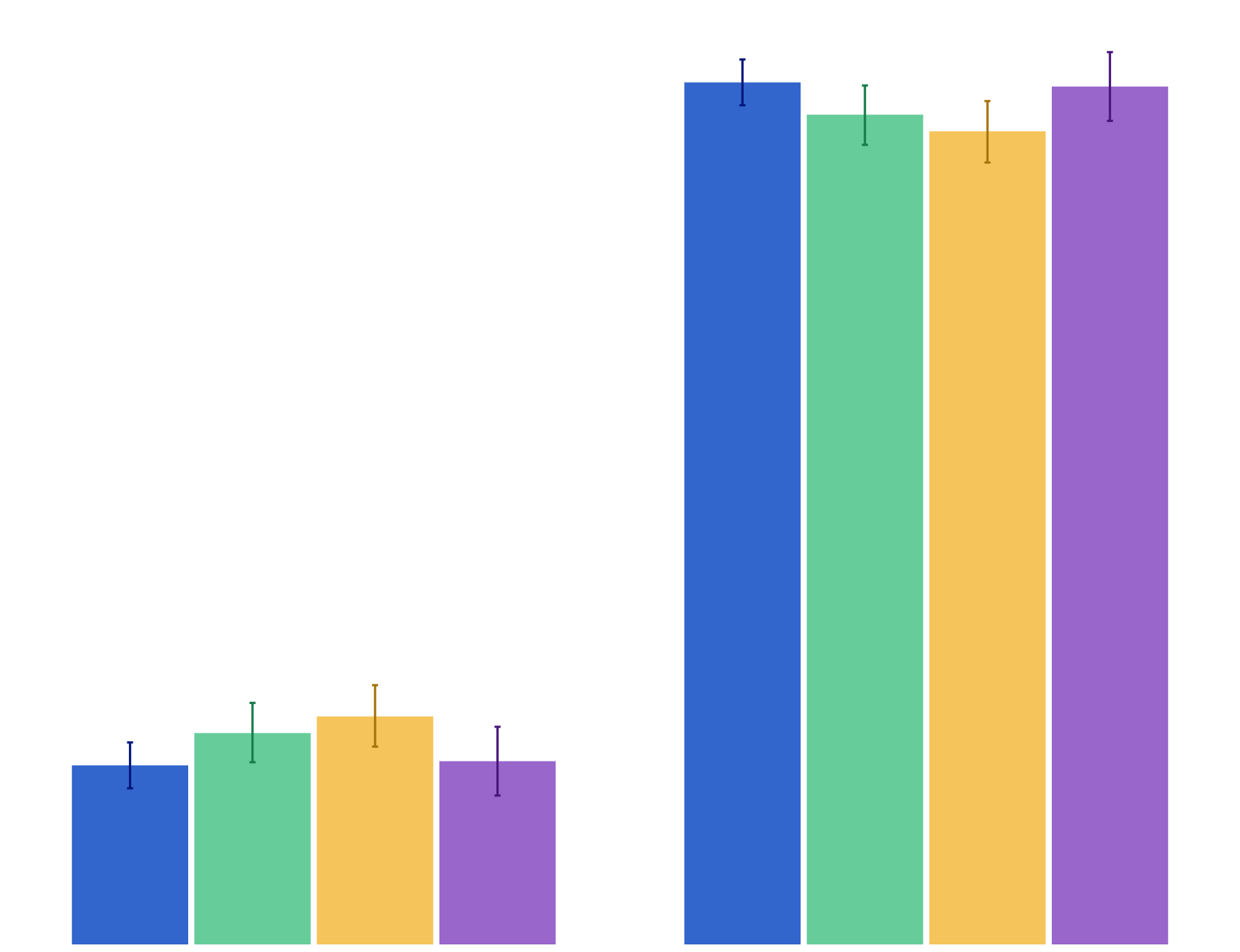
Early uptake of cigarette smoking (first tried a cigarette before age 10)

Youth Insights Survey
2008–2014
Initiation
Tried a cigarette for the first time in past year
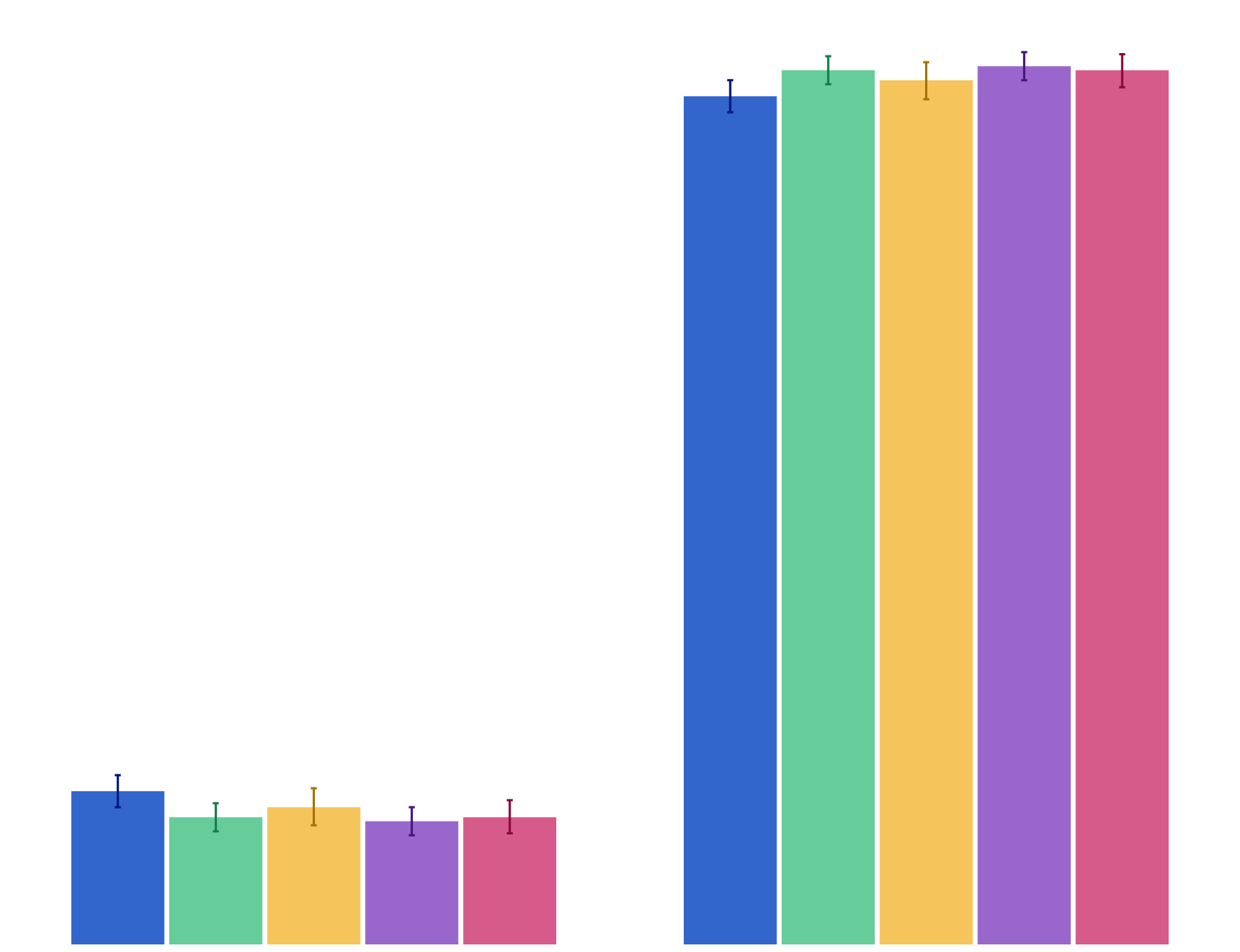
Tried a cigarette for the first time in past year

Youth Insights Survey
2010–2014
Initiation
Number of cigarettes smoked in life

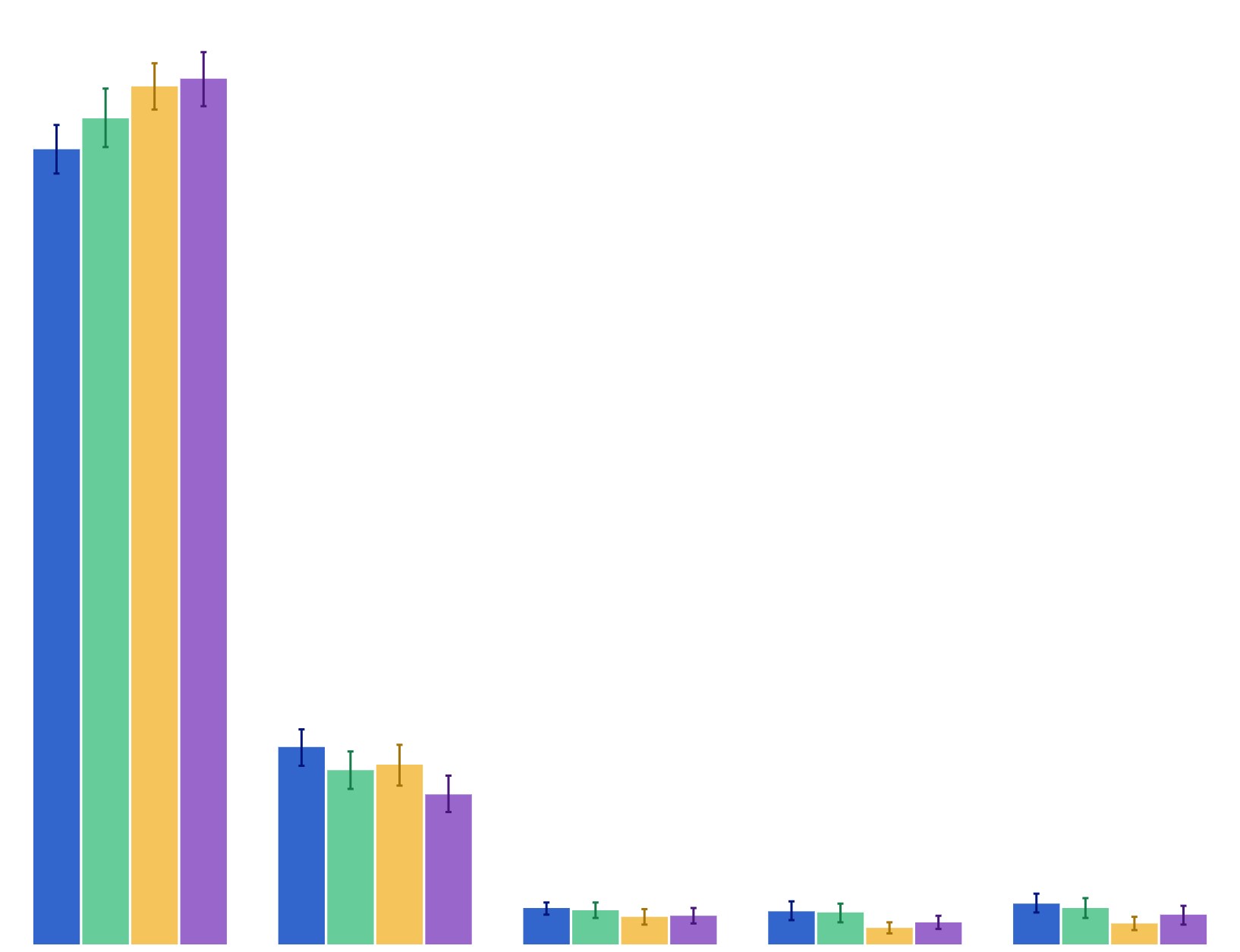
Number of cigarettes smoked in life

Youth Insights Survey
2012–2018
Initiation Consumption
Perception of whether it would be difficult to quit once someone has started smoking
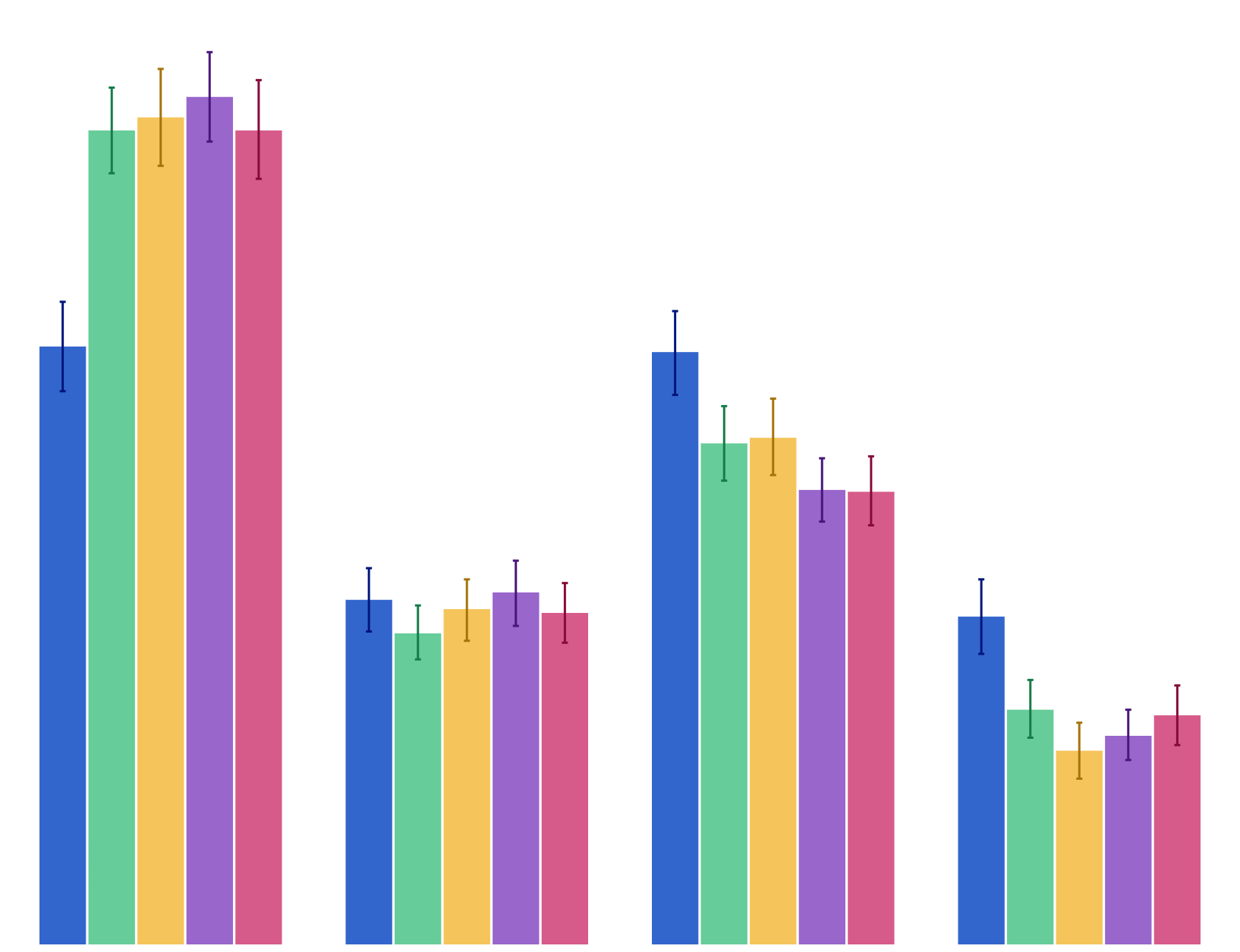
Perception of whether it would be difficult to quit once someone has started smoking

Youth Insights Survey
2008–2018
Cessation Initiation
Perception of whether student could get cigarettes from friends
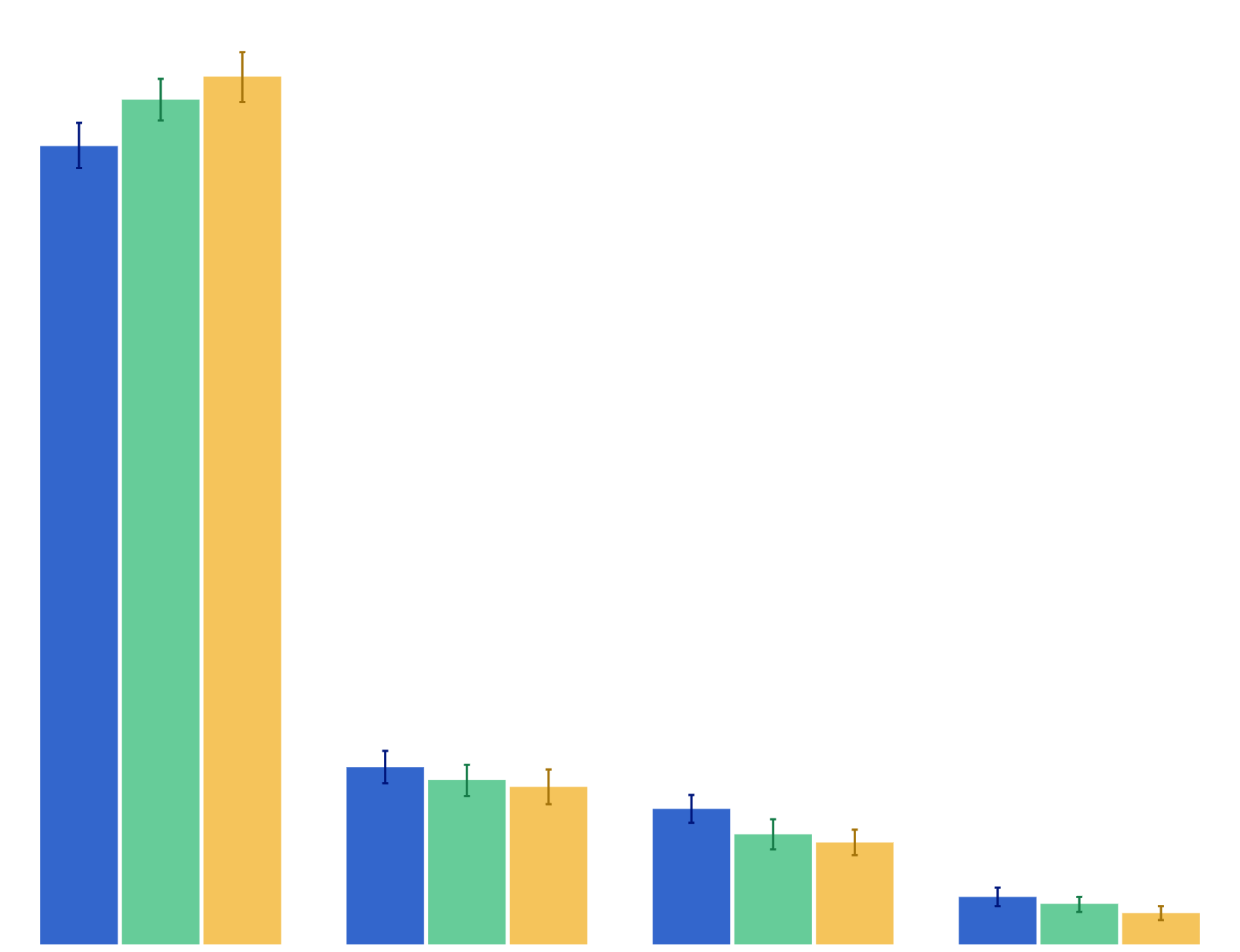
Perception of whether student could get cigarettes from friends

Youth Insights Survey
2010–2018
Initiation
Perception of whether student could get cigarettes from their family or home
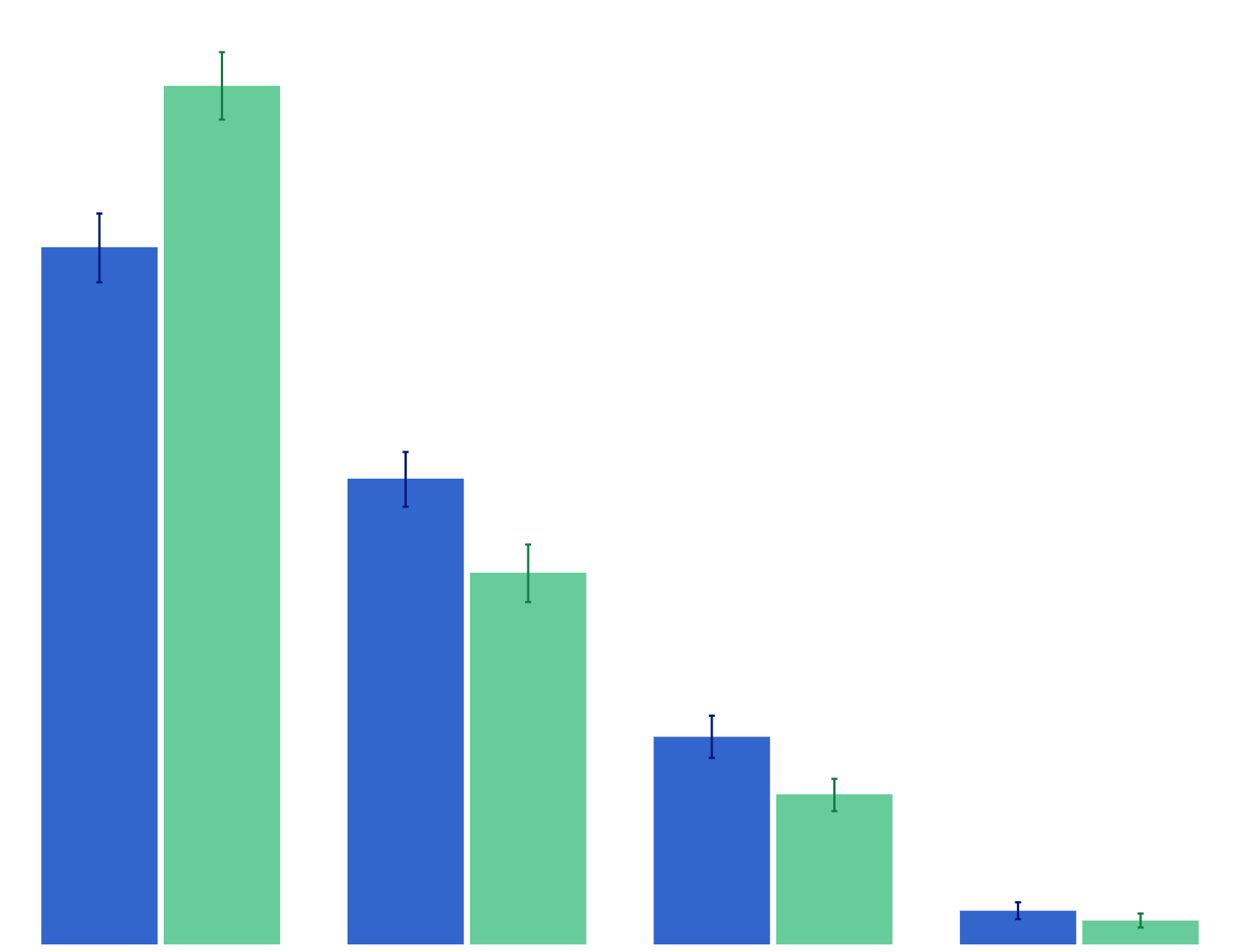
Perception of whether student could get cigarettes from their family or home

Youth Insights Survey
2010–2014
Initiation
Perception of whether student could get cigarettes from a shop
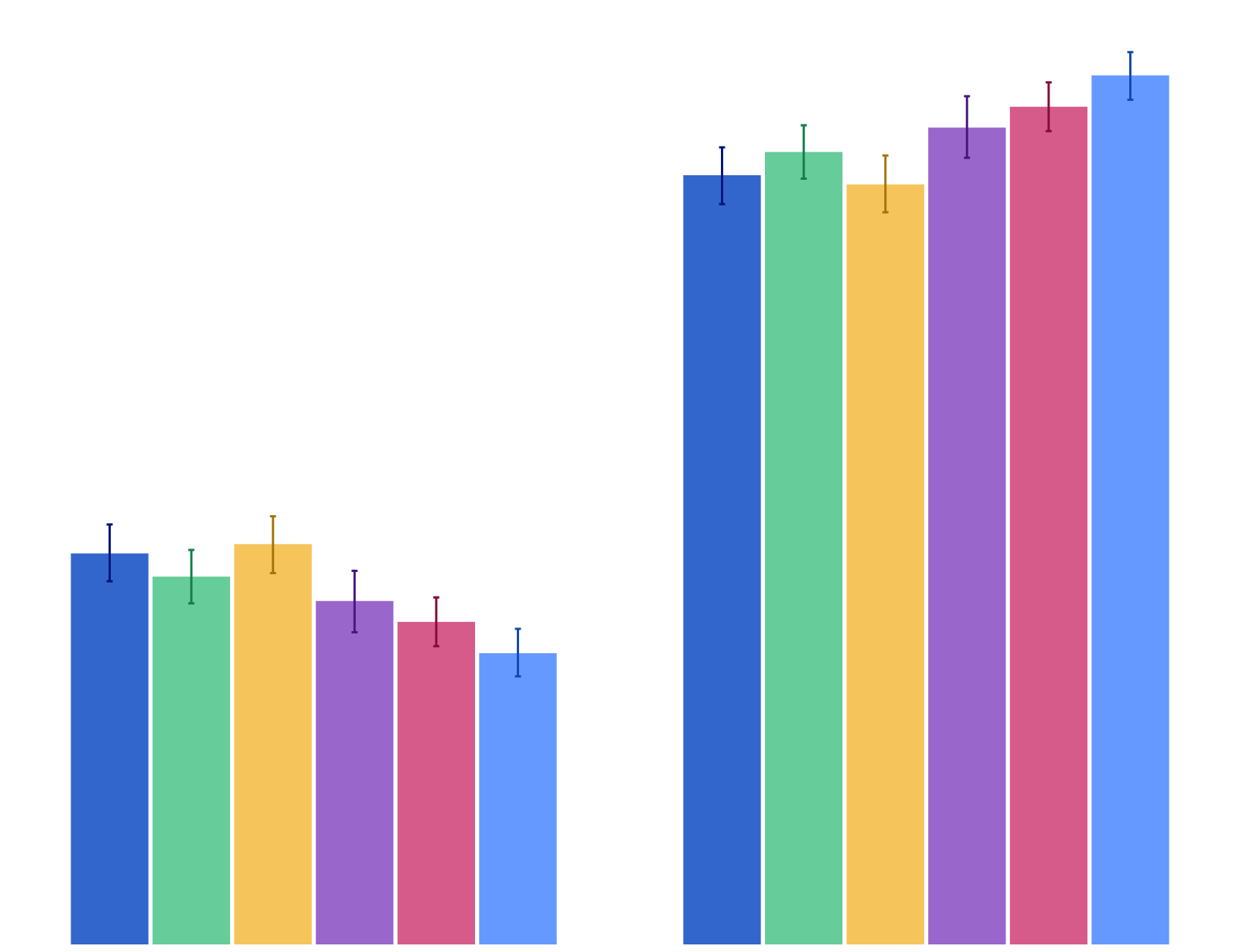
Perception of whether student could get cigarettes from a shop

Youth Insights Survey
2012–2014
Initiation
Past-week exposure to second-hand smoke at home
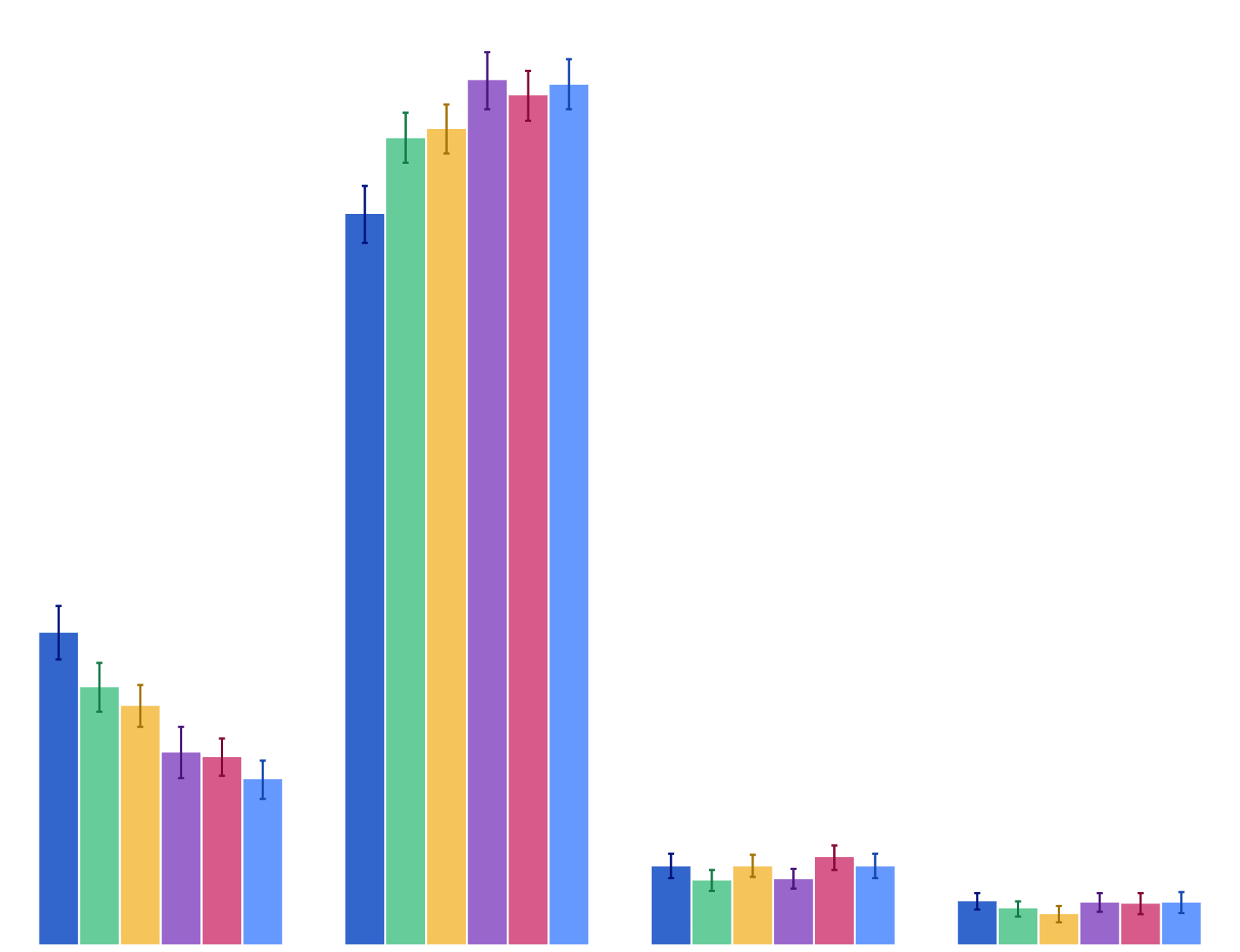
Past-week exposure to second-hand smoke at home

Youth Insights Survey
2008–2018
Initiation Second-hand smoke
Past-week exposure to second-hand smoke in a vehicle
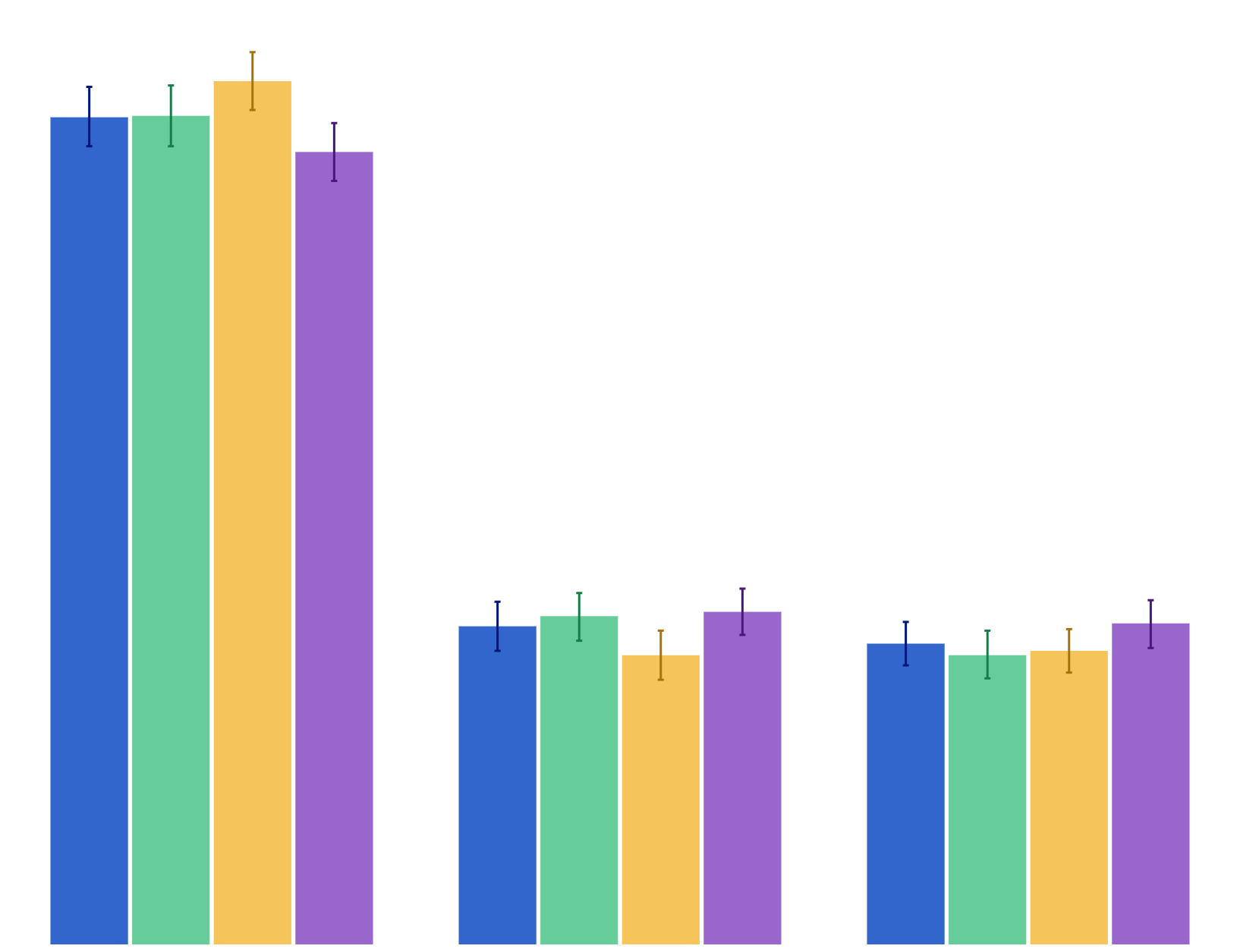
Past-week exposure to second-hand smoke in a vehicle

Youth Insights Survey
2008–2018
Initiation Second-hand smoke
Agreement that parents have set rules about not smoking cigarettes
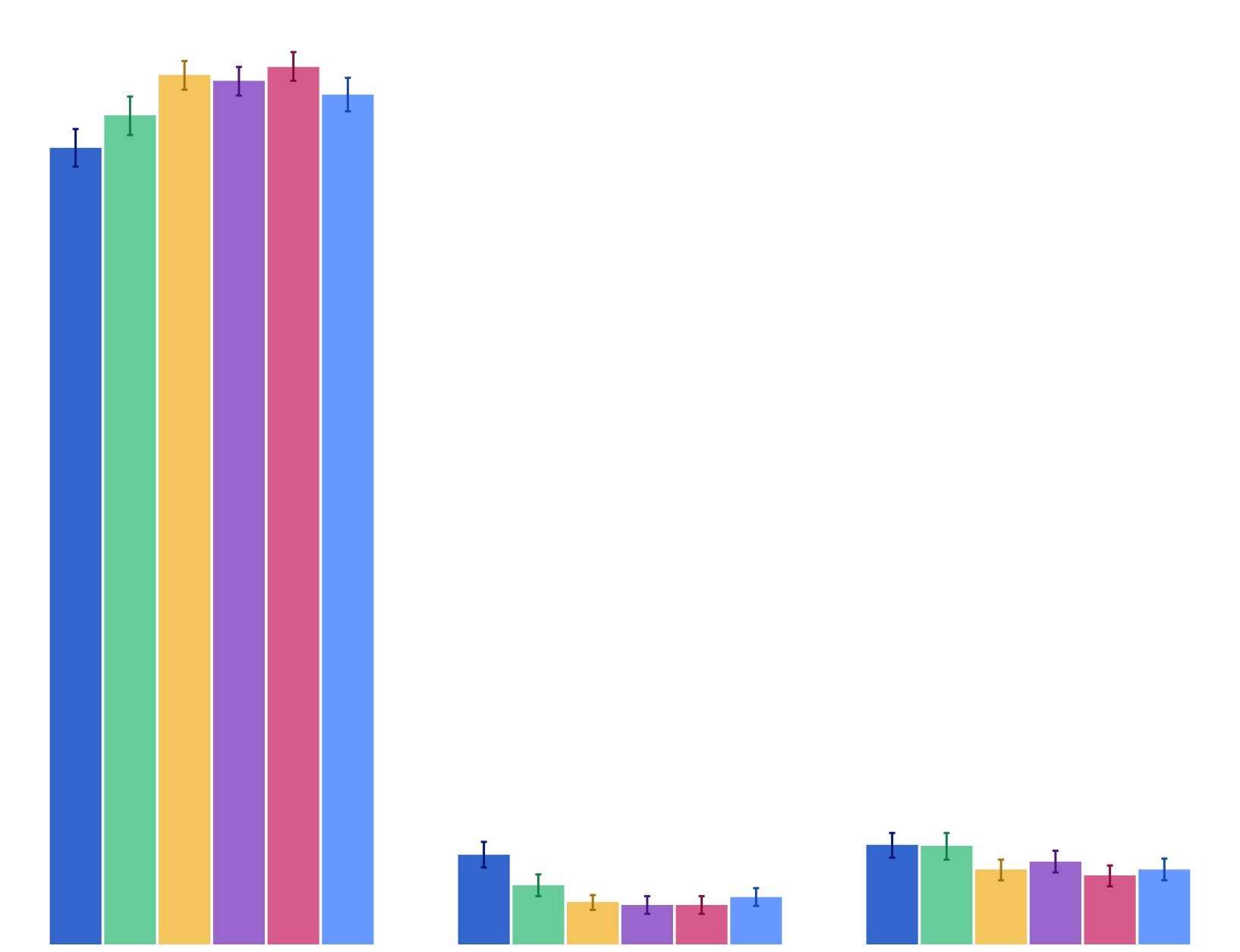
Agreement that parents have set rules about not smoking cigarettes

Youth Insights Survey
2008–2014
Initiation
Agreement that parents would be upset if student was caught smoking cigarettes

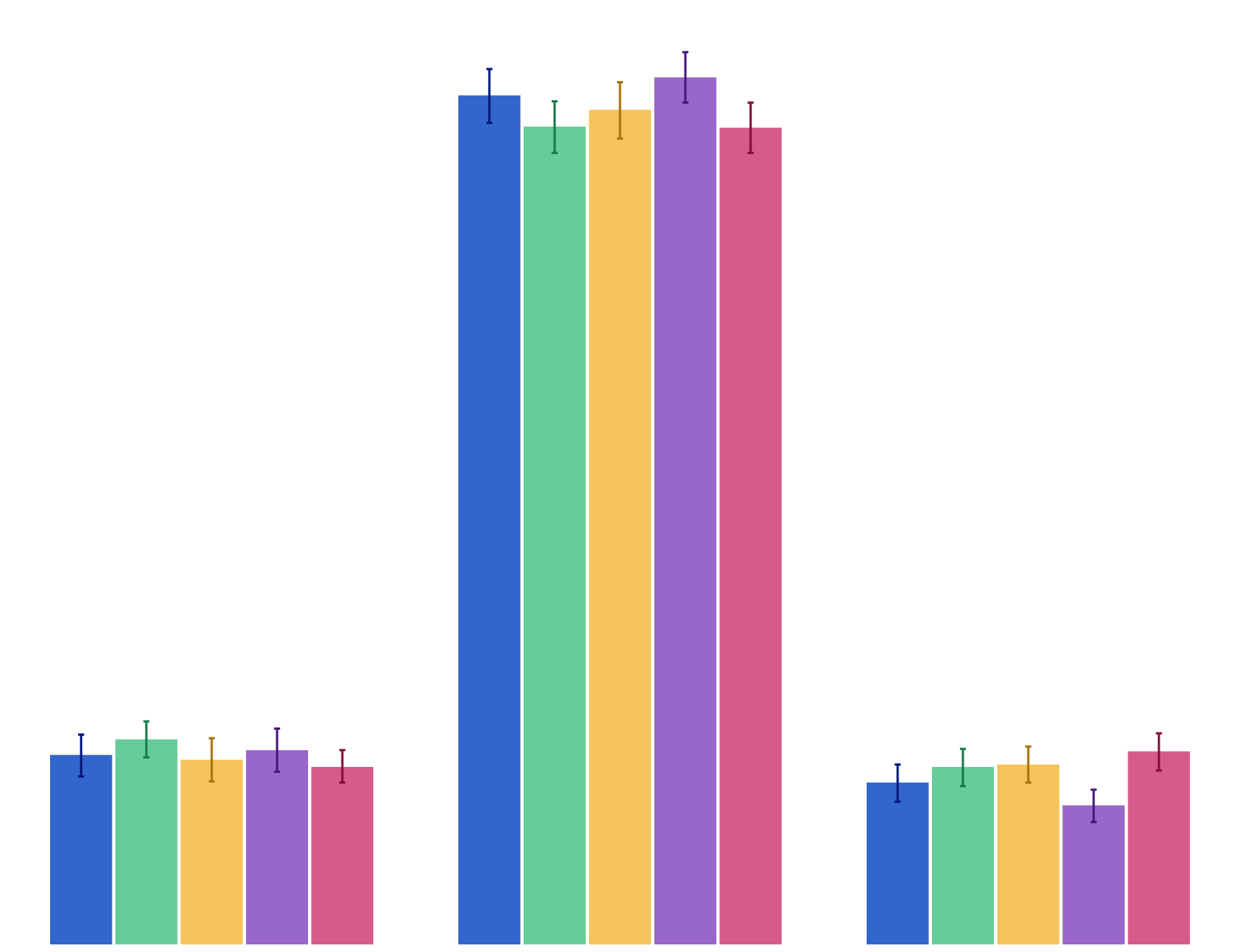
Agreement that parents would be upset if student was caught smoking cigarettes
Youth Insights Survey
2008–2018
Initiation
Agreement that there is no harm in having a cigarette once in a while
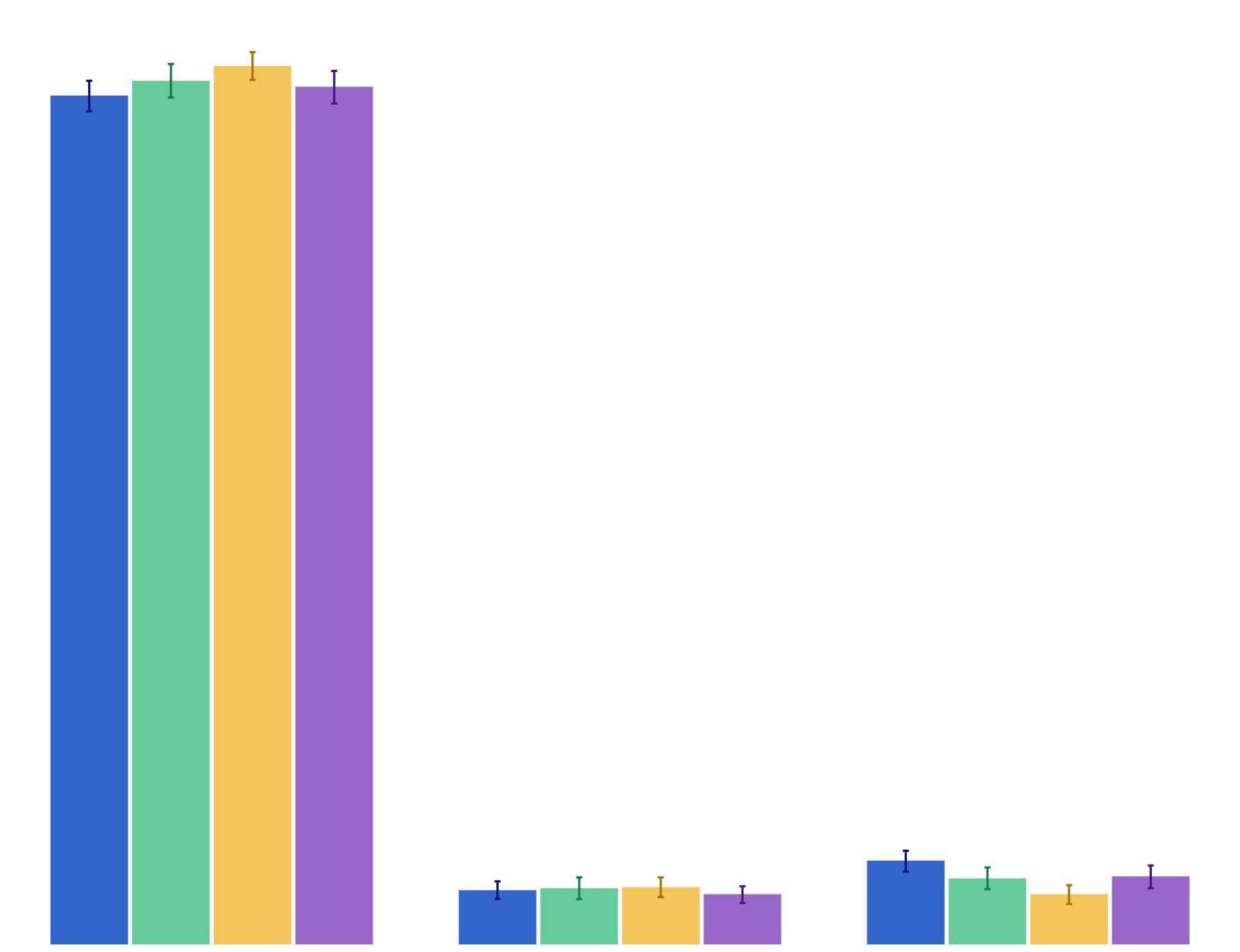
Agreement that there is no harm in having a cigarette once in a while

Youth Insights Survey
2010–2018
Attitudes Initiation
Agreement that don't want to end up a smoker
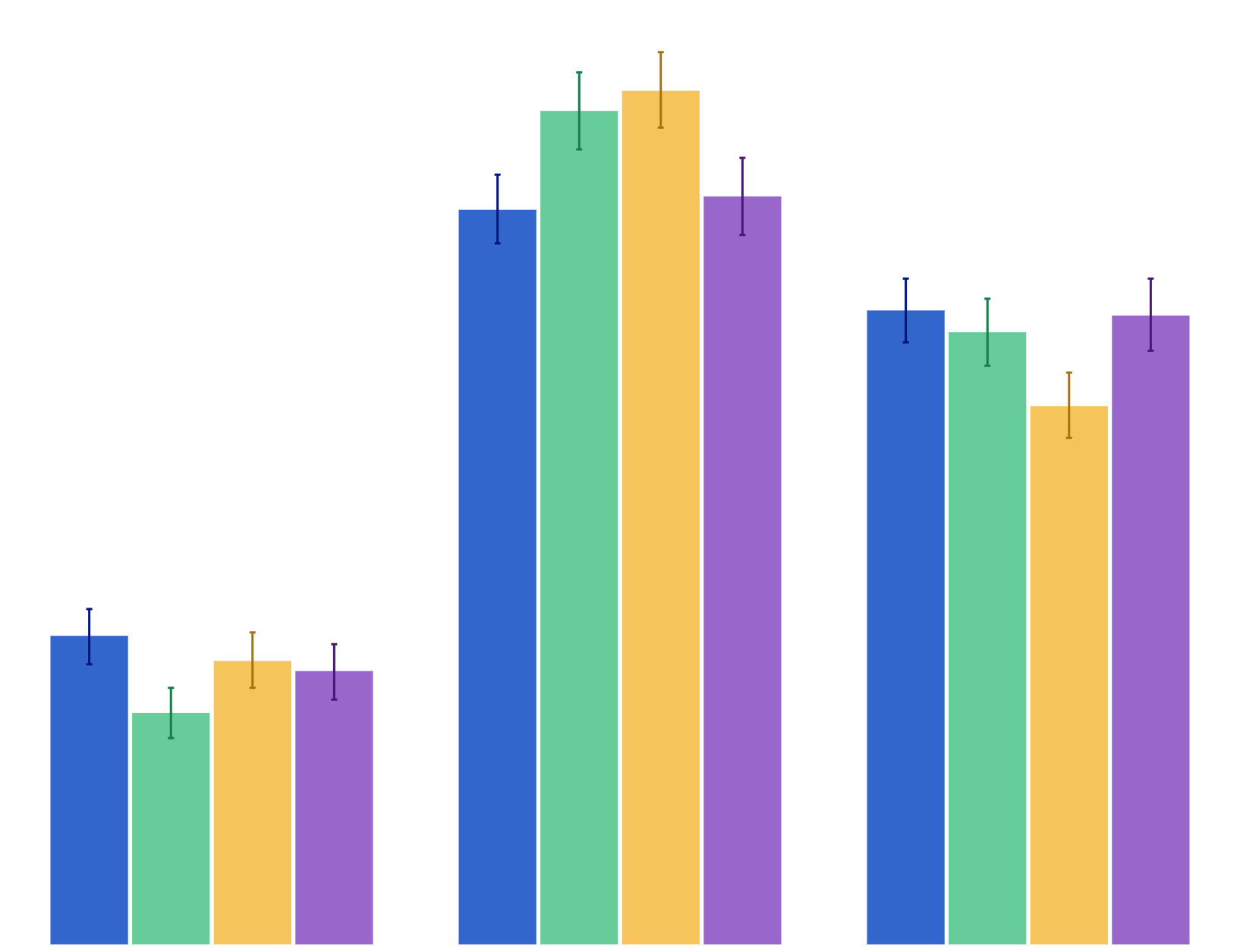
Agreement that don't want to end up a smoker

Youth Insights Survey
2012–2018
Attitudes Initiation
Agreement that by 2025 hardly anybody will be smoking
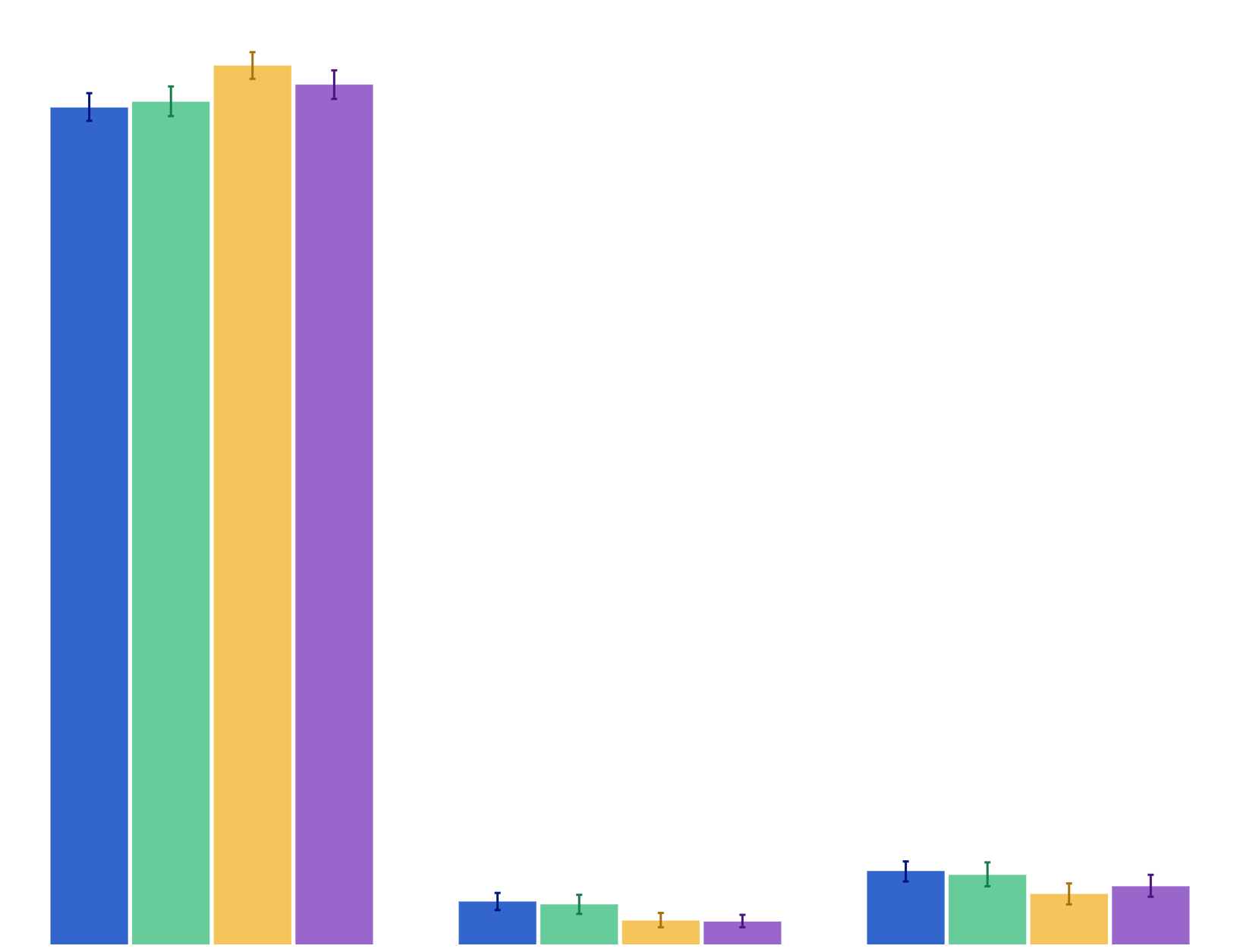
Agreement that by 2025 hardly anybody will be smoking

Youth Insights Survey
2012–2018
Policy Attitudes Initiation
Agreement that smoking in cars should be banned when children are in them
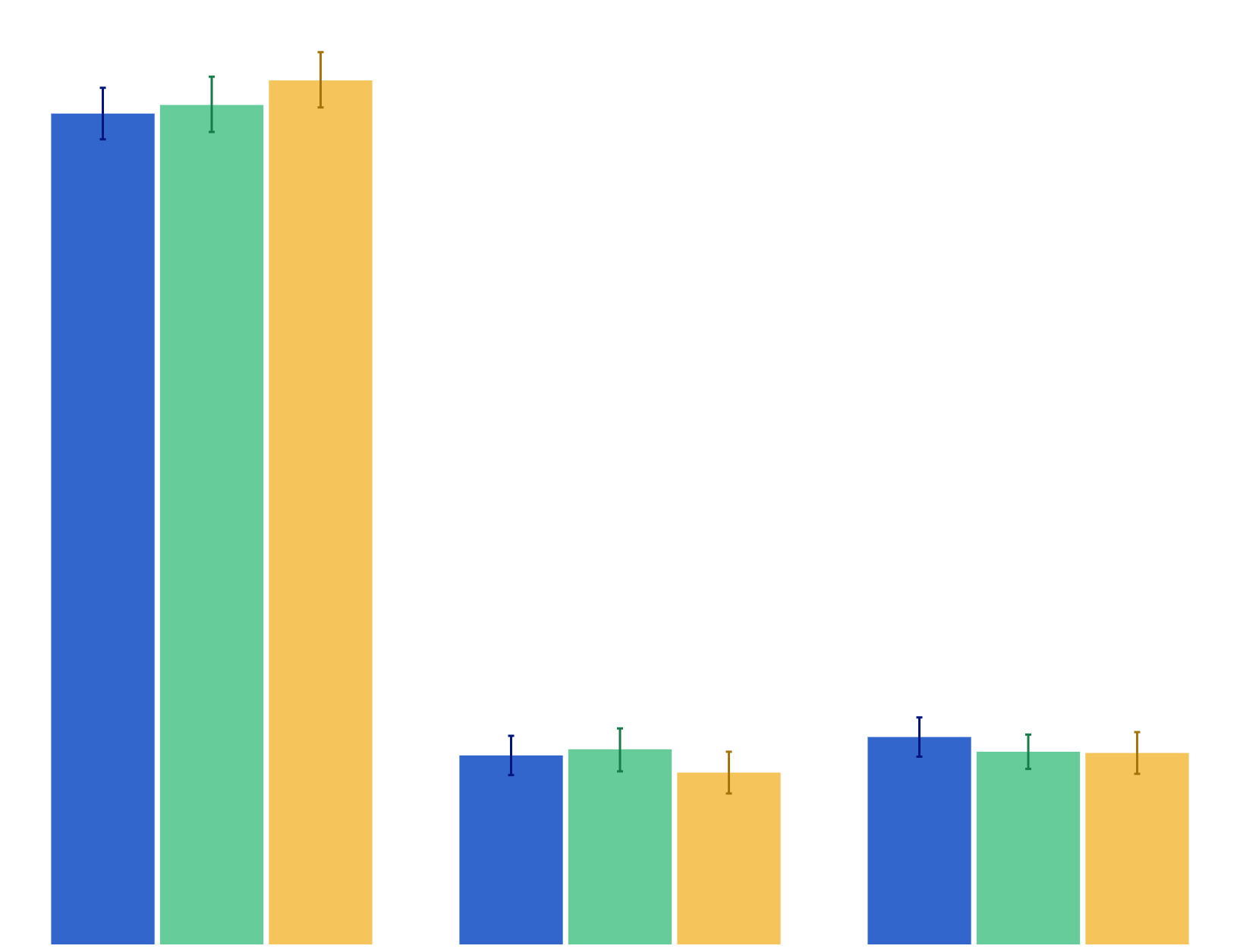
Agreement that smoking in cars should be banned when children are in them

Youth Insights Survey
2012–2018
Policy Attitudes Initiation
Agreement that tobacco companies should not be allowed to promote cigarettes and tobacco with cool looking packs
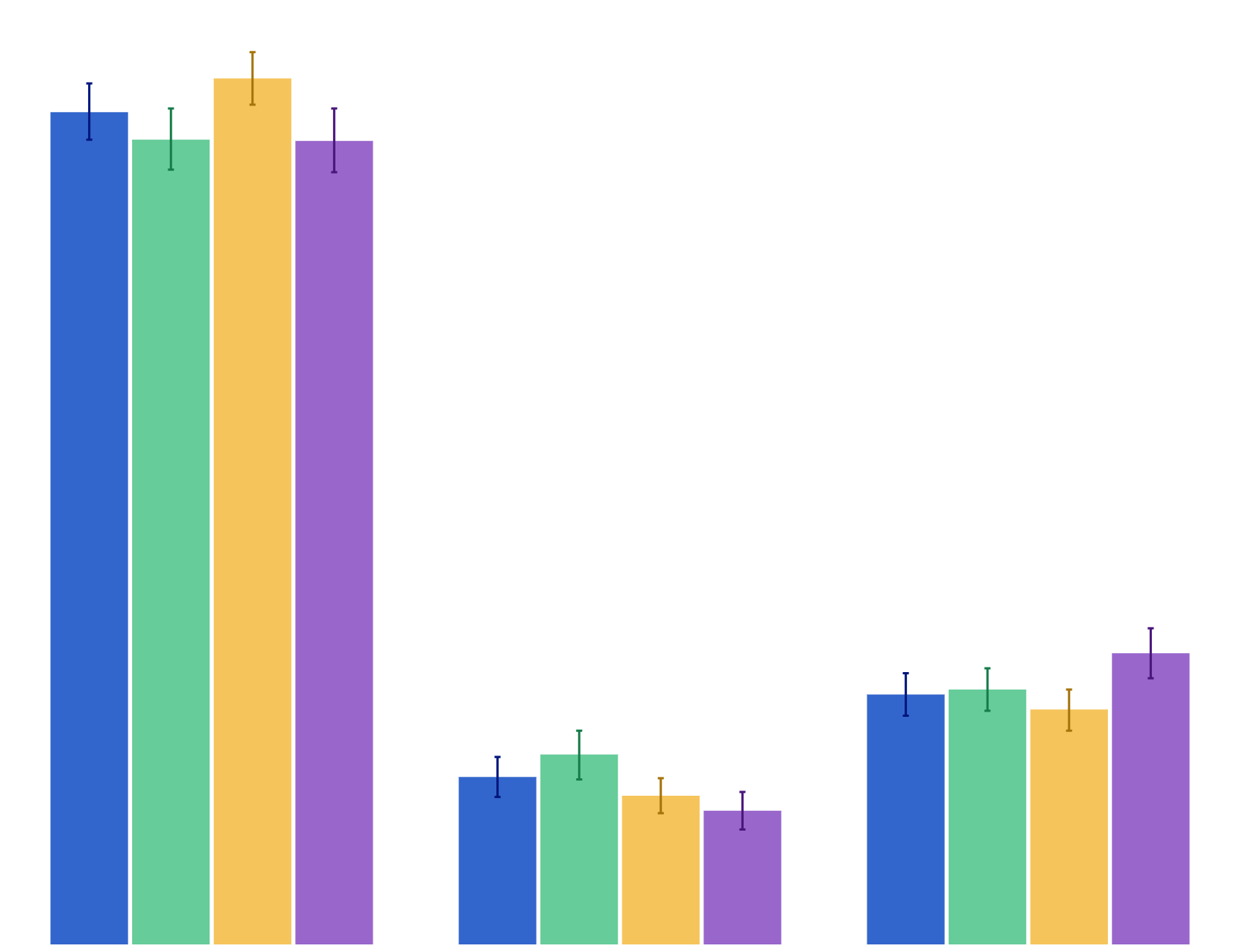
Agreement that tobacco companies should not be allowed to promote cigarettes and tobacco with cool looking packs

Youth Insights Survey
2012–2016
Policy Attitudes Initiation
Agreement that want to live in a country where no one smokes
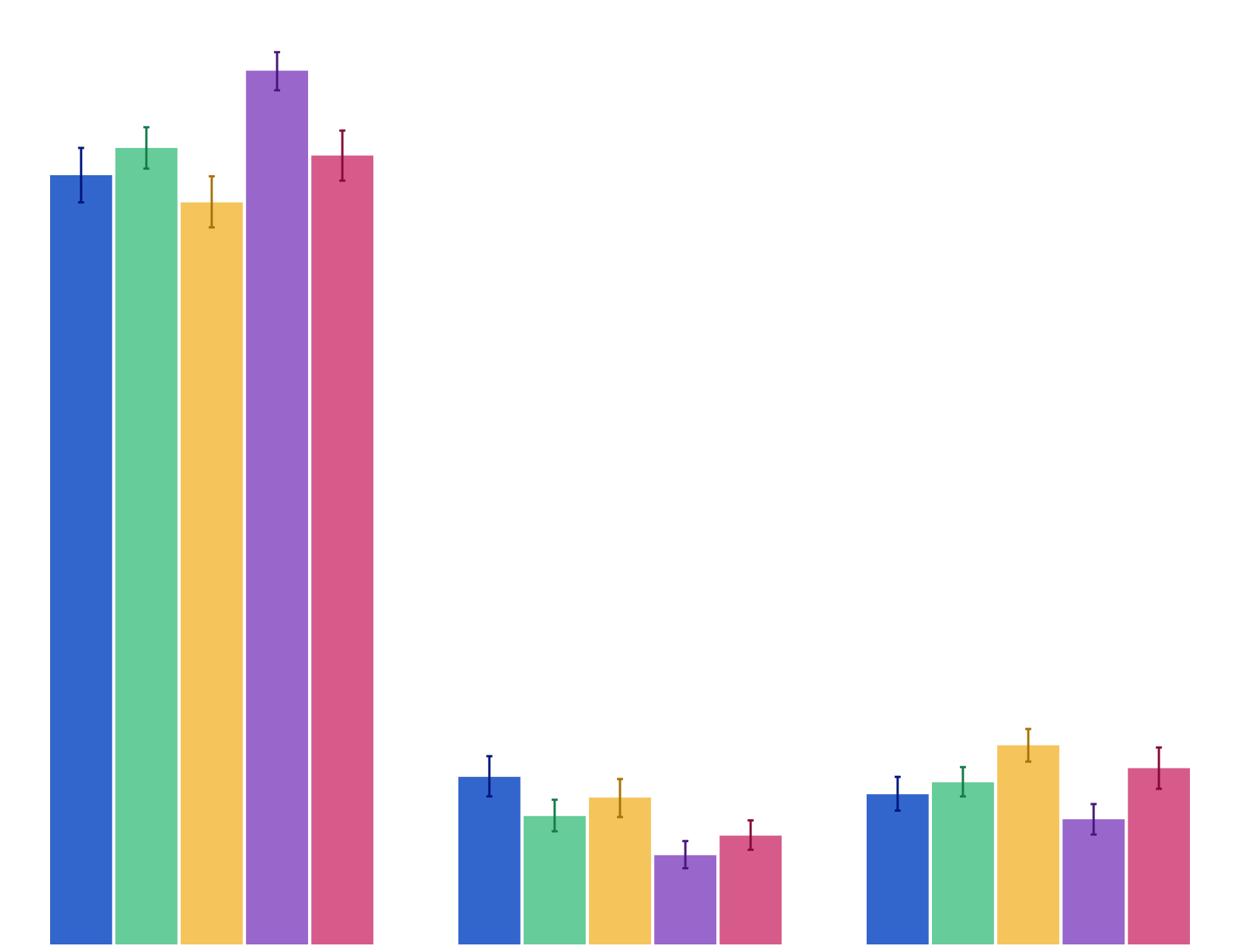
Agreement that want to live in a country where no one smokes

Youth Insights Survey
2012–2018
Attitudes Initiation
Agreement that smoking should be banned in all outdoor places where young people go
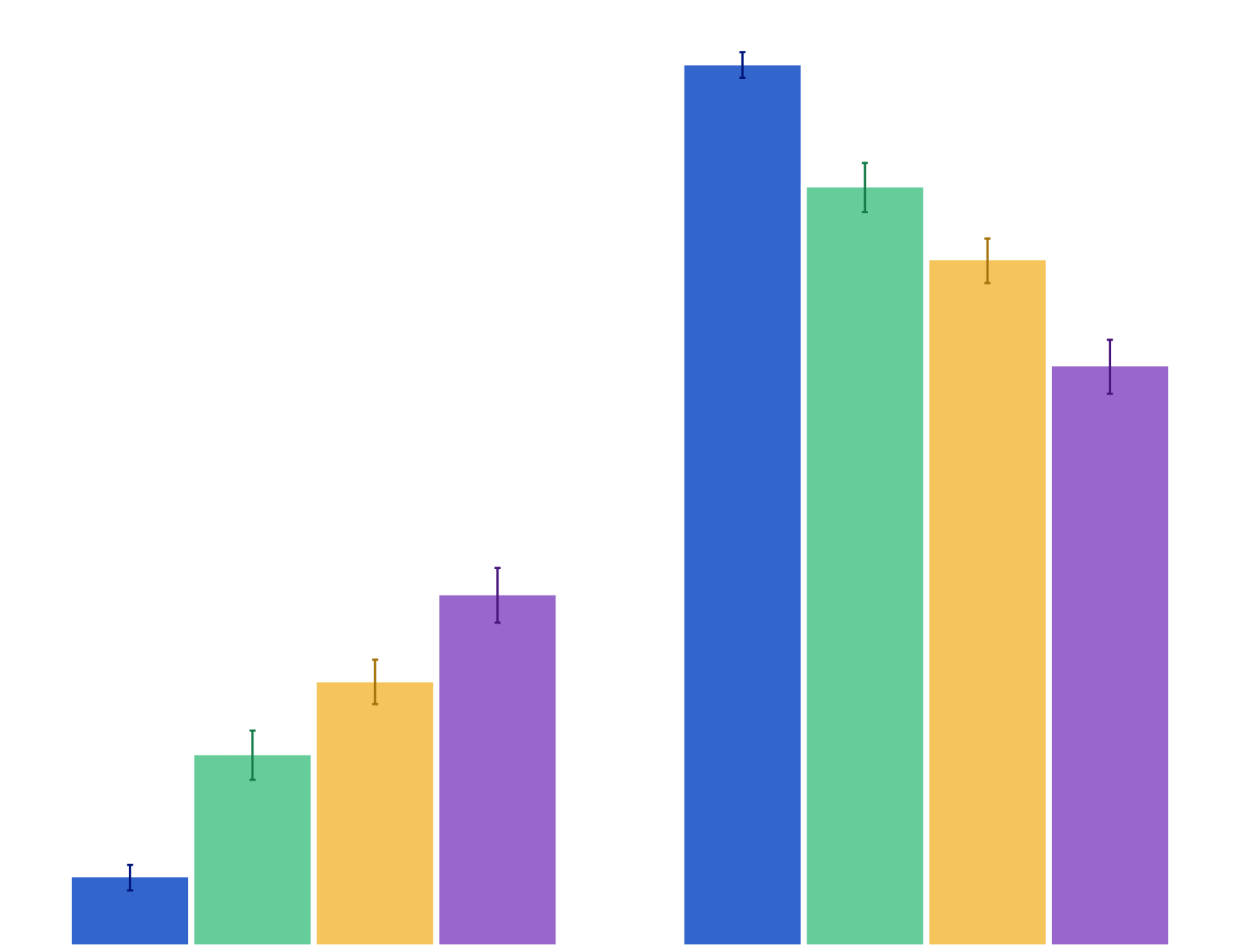
Agreement that smoking should be banned in all outdoor places where young people go

Youth Insights Survey
2010–2018
Policy Attitudes Initiation
Ever tried electronic cigarettes

Ever tried electronic cigarettes

Youth Insights Survey
2012–2018
Vaping Initiation